



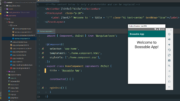

I'm really interested to see just how far the Angular Web/Mobile development experience has grown over the last few years.

As a kid, I played a lot of Netball. I even went on to coach and umpire. If you’re familiar
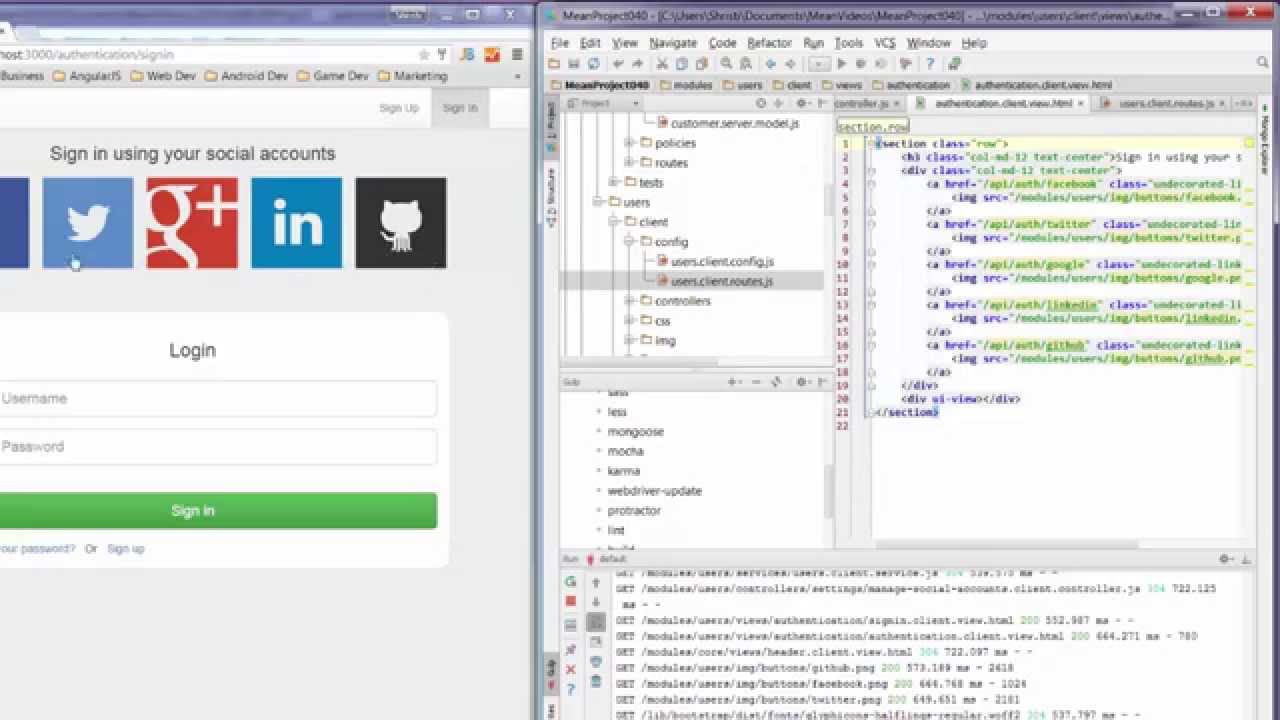
In this tutorial video we'll look at using AngularJS resource services to communicate between AngularJS and your ExpressJS controllers.
How can you take the server side of your expressJS based, Mean Stack app, and turn it into a Meteor
Lets take the Mean Stack angular material design app created in the AngularJs Material Starter series, and move the code
Been wondering how you can leverage your MEAN Stack and/or AngularJS knowledge to create Meteor Apps? So what is Meteor
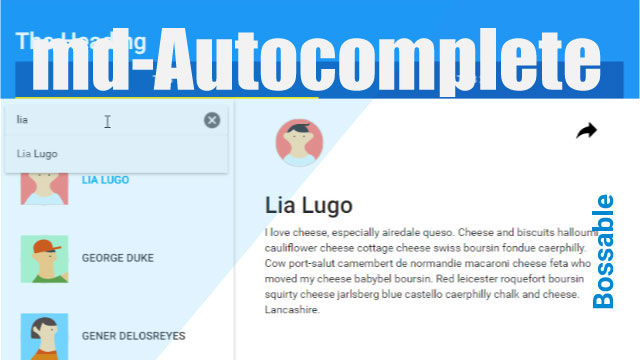
In this tutorial video we'll get fancy with Autocomplete! We'll look at some sweet little tricks that you can use
In this tutorial video we'll create a working contact form! Each time a user sends a message using the contact
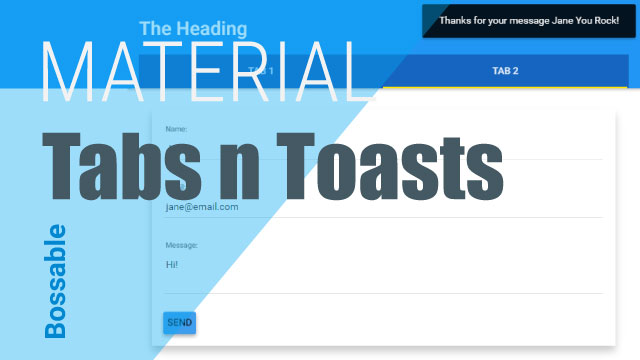
We'll pick this video up from the end of the AngularJS Material Design Toolbar Tips and Tricks and extend it
It can be really frustrating when setting up your Windows environment for NodeJS, with packages like Yo, Grunt, Bower etc
Ever felt like: OMG! Which web framework should I use? How do I know if I'm picking the right one?
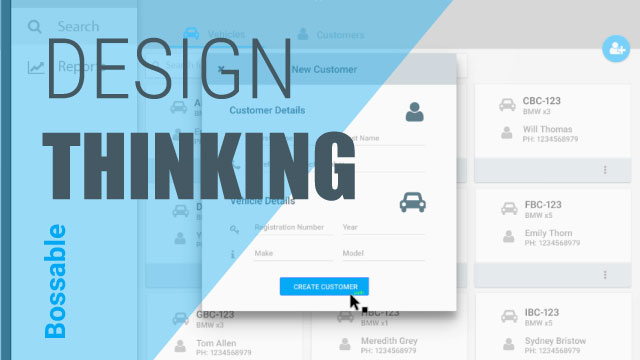
We go behind the scenes with early designs for a Material Design Web App that I'm working on, and some
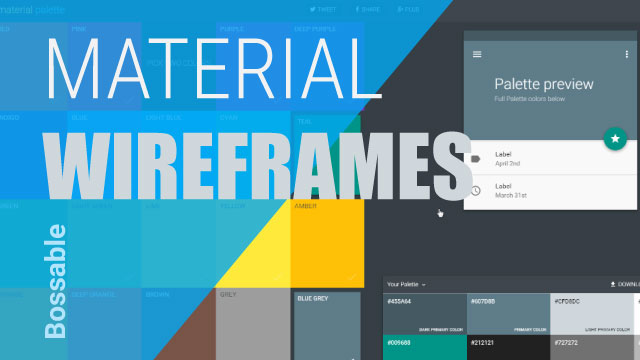
Here are 3 quick tips that will help you create beautiful Material Design Wire-frames, with templates, icons, and colour combinations.
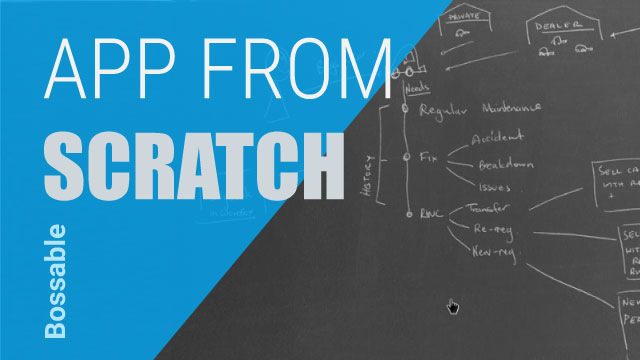
I'll show you my approach to web design, with my first sketches for a new project that I'm working on.
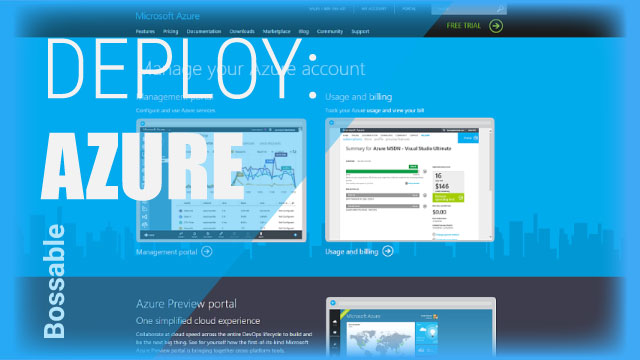
In this video we'll look at: Nodejitsu is shutting down! We'll deploy a mean stack app to Azure. We'll look
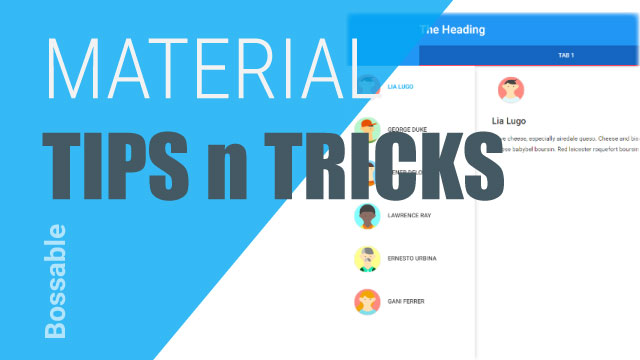
We look through the AngularJS Material Design starter app, with tips and tricks for Toolbars: including, layout="row", layout="column", md-tall, tabs
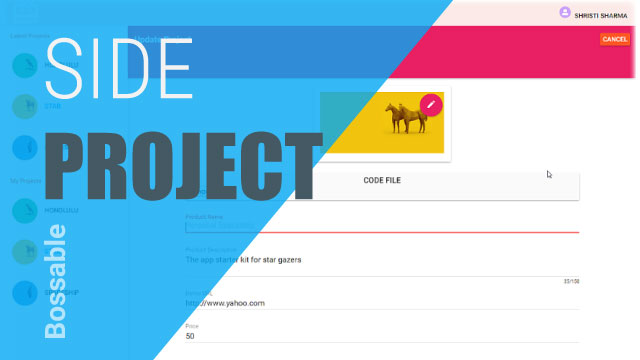
I've been playing around with Angular Material a lot lately, and I've been really impressed with how easy it is
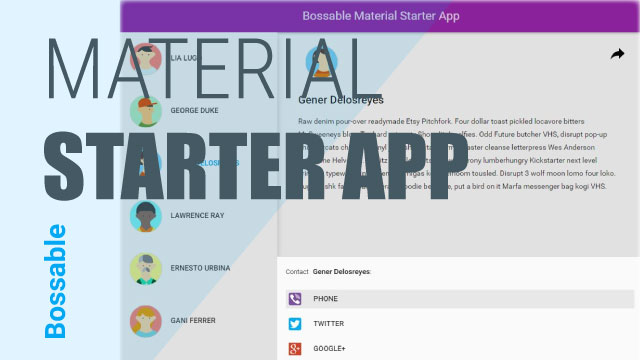
In this post, we'll take the angular material starter app discussed during ng-conf 2015, and apply it to a MEAN
In this video we'll look at how you can quickly and easily create professional looking wireframes using Adobe Illustrator, and
In this video we'll add the angular-material package to meanjs, and set up the mean stack to use the angular